Archive Project
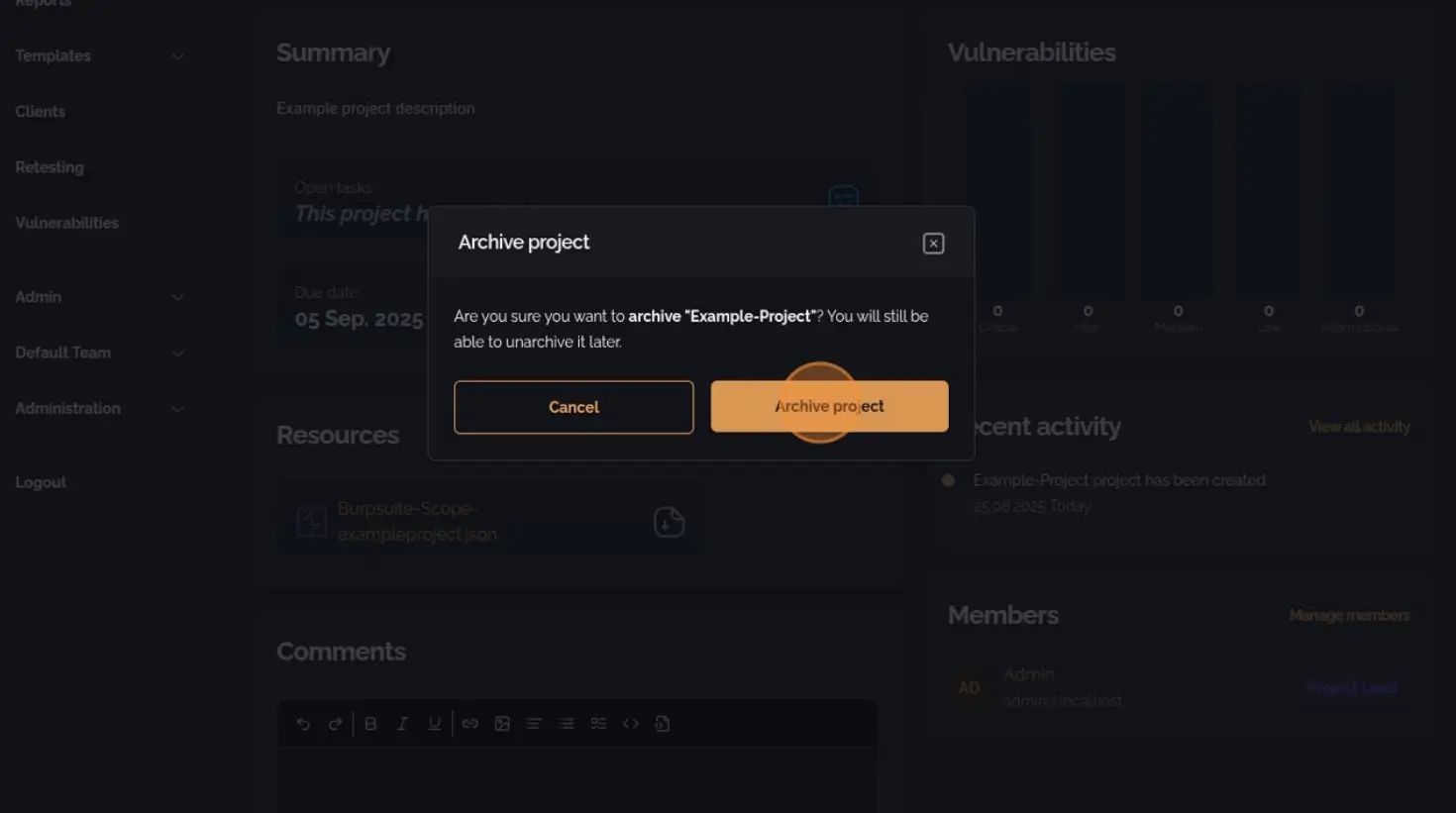
In PentestPad, a project can be archived when it is no longer required to be displayed on the Board page. Archiving preserves project data while removing it from the active project view.
Steps to Archive a Project
Section titled “Steps to Archive a Project”1. Navigate to the Project Board
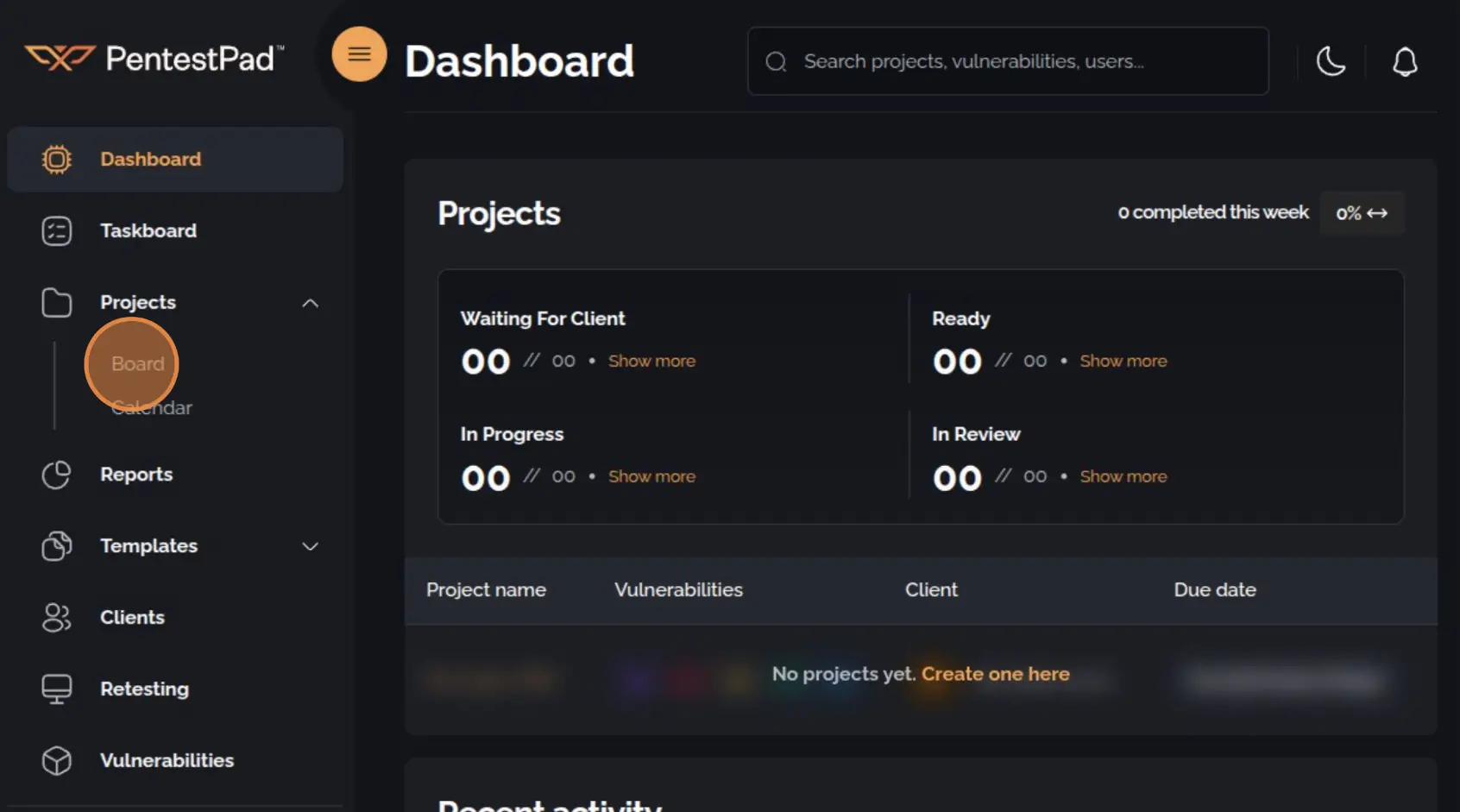
Section titled “1. Navigate to the Project Board”Open the sidebar navigation menu, expand the Projects dropdown, and select Board.
2. Select the Project
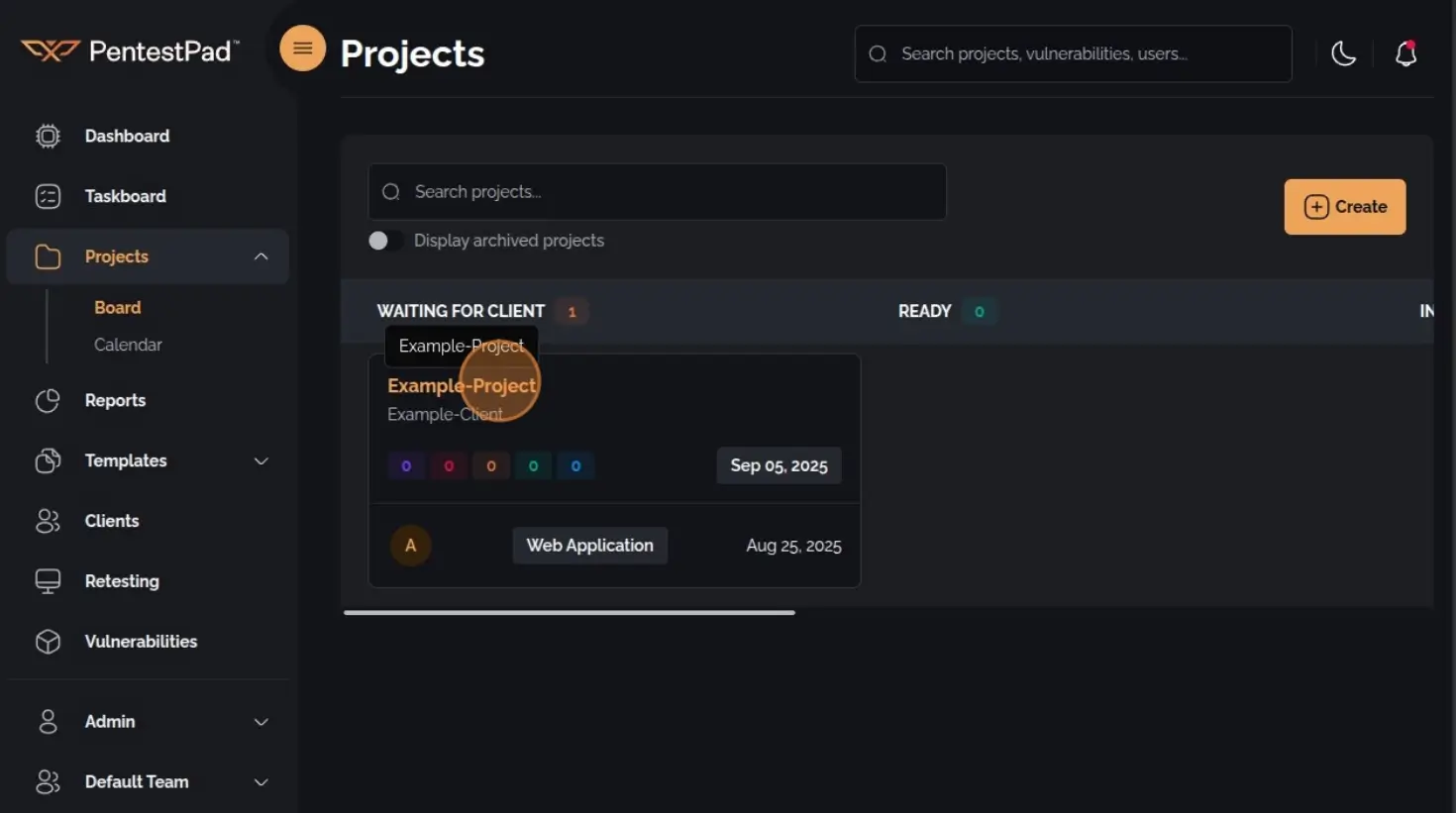
Section titled “2. Select the Project”On the Project Board page, click the project title to open the Project Overview menu.
3. Click the Archive Icon
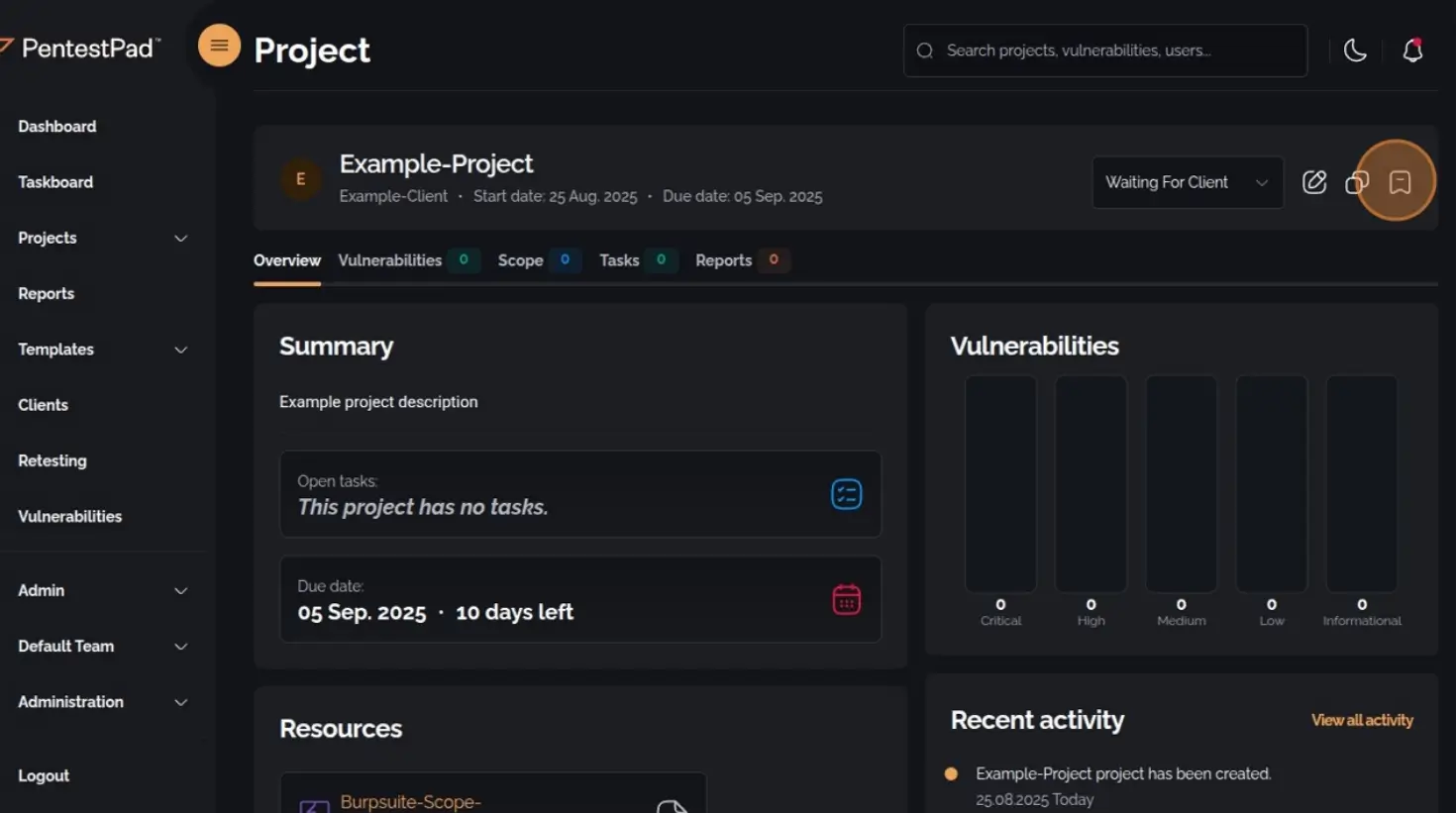
Section titled “3. Click the Archive Icon”In the top-right corner of the Project Overview menu, click the Archive icon.
4. Confirm Archiving
Section titled “4. Confirm Archiving”Click the Archive Project button to finalize the process.